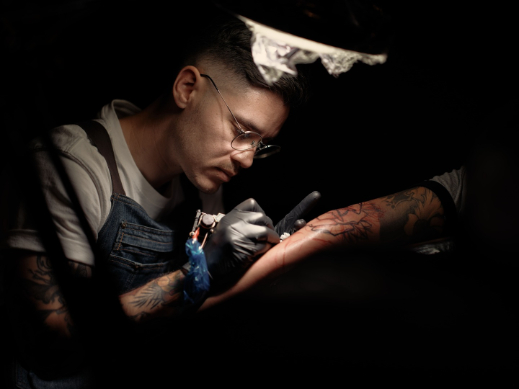
The client portal
Design Sessions
Drop your sketch or AI render in the portal, book a live video design session with your artist, and watch the piece come together — before you book the chair. Your session fee goes toward your tattoo.
Drop your sketch or AI render in the portal, book a live video design session with your artist, and watch the piece come together — before you book the chair. Your session fee goes toward your tattoo.
Sketches, photos, screenshots, AI renders — if it's on your phone, it belongs in the portal. Tell us size and placement.
Pick your artist, pick a time. A paid session over Microsoft Teams video — your deposit goes toward your tattoo.
Your artist sketches live on Teams while you watch. You steer in real time — "move it left," "make that bolder," "try it bigger." Changes happen in front of you, not in a three-day email loop.
Final artwork approved by you, price agreed up front. Then it's just you, the chair, and the day.
Your portal thread keeps everything in one place: uploads → session notes → approved artwork. Nothing gets lost in a text chain.
Concept mock — the live portal adds sign-in, secure uploads, and session payment at launch.
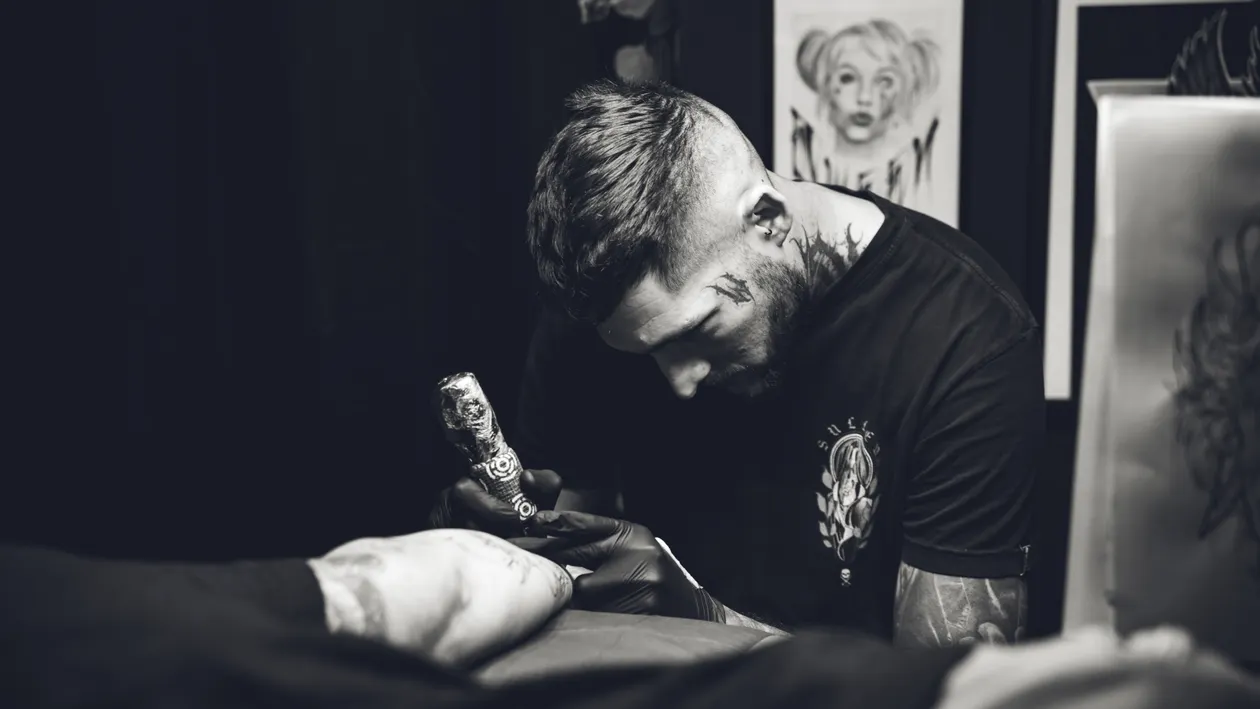
No surprises. No regrets. No rebooking because the design wasn't what you pictured. You approve the exact artwork first — then the chair is just execution.
Everything you upload stays in your portal thread: references, drafts, the final approved artwork, and your session notes.